
Bash
macOS and Linux installer with SHA-256 and manifest validation.
curl -fsSL https://pixelstand.pet/install.sh | bash -s -- part-01-jonathan-joestarOne pet per primary action
Free, unofficial animated pets for the Codex desktop app—not standalone mobile apps. Choose a released pet; every route installs only that Part-scoped pet.
Choose a pet and install ↓36 validated pets are live
The selection below controls the one primary Codex action and its verified fallback installers.
 Jonathan Joestar
Current selectionJonathan Joestarpart-01-jonathan-joestar
01 Open in Codex
Requires the Codex desktop app with Pets support. If the codex:// link does not open, use Other install methods below.
Open in Codex ↗After install open Codex Settings > Pets, select Refresh, then choose the pet.
On a phone? Copy this pet page link and open it on your computer to continue. Installation stays available here when your Codex desktop app is ready.
macOS and Linux installer with SHA-256 and manifest validation.
curl -fsSL https://pixelstand.pet/install.sh | bash -s -- part-01-jonathan-joestarWindows installer with the same package integrity checks.
& ([scriptblock]::Create((irm https://pixelstand.pet/install.ps1))) part-01-jonathan-joestarCross-platform Node installer using the selected Part-scoped pet ID.
npx --yes --package=github:geoqiao/jojo-codex-pet jojo-codex-pet part-01-jonathan-joestarWe count anonymous aggregate command-copy and Open in Codex actions. These totals show install intent—not completed installations or identifiable visitors.
Each detail page includes the same pet-specific Codex deep link and verified command installers.
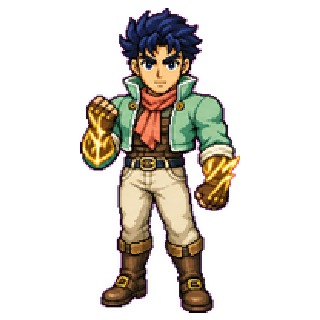 PART 01Jonathan JoestarCharacter ↗
 PART 01Dio BrandoCharacter ↗
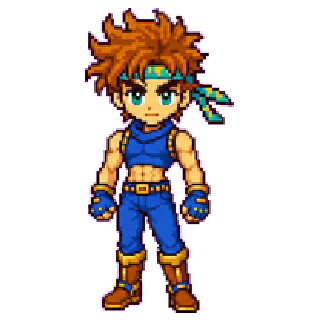 PART 02Joseph JoestarCharacter ↗
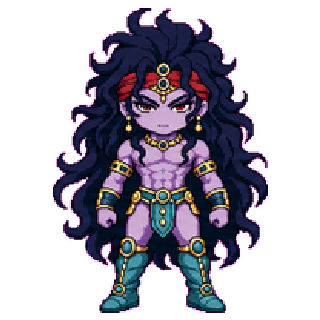 PART 02KarsCharacter ↗
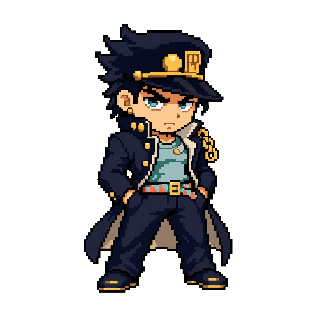 PART 03Jotaro KujoCharacter ↗
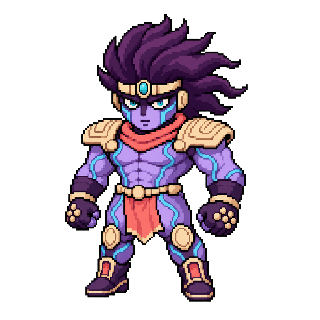 PART 03Star PlatinumStand ↗
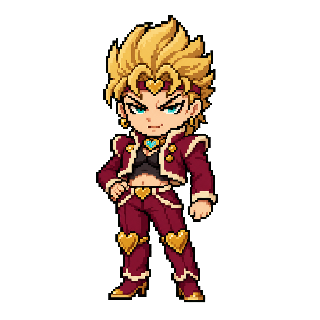 PART 03DIOCharacter ↗
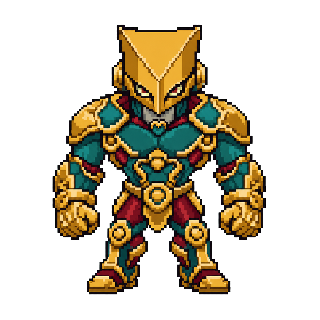 PART 03The WorldStand ↗
 PART 04Josuke HigashikataCharacter ↗
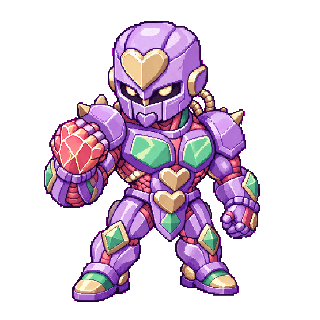 PART 04Crazy DiamondStand ↗
 PART 04Yoshikage KiraCharacter ↗
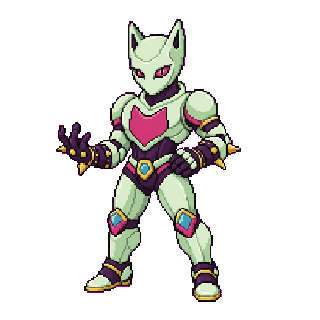 PART 04Killer QueenStand ↗
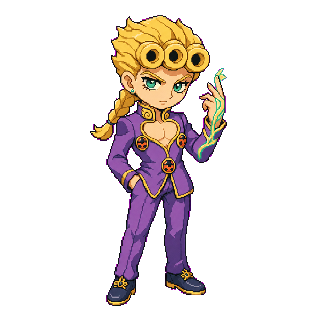 PART 05Giorno GiovannaCharacter ↗
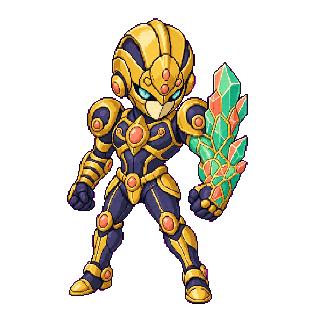 PART 05Gold ExperienceStand ↗
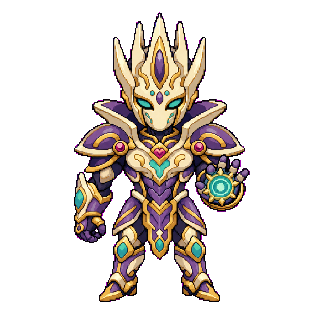 PART 05Gold Experience RequiemStand ↗
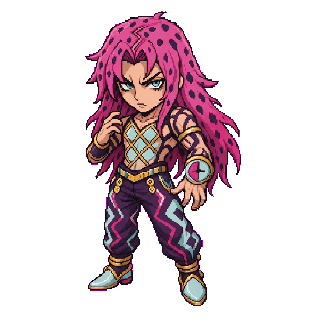 PART 05DiavoloCharacter ↗
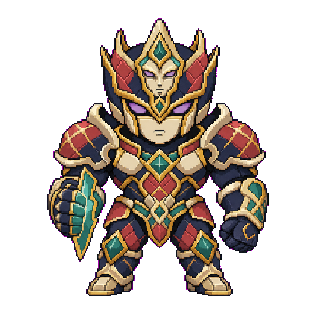 PART 05King CrimsonStand ↗
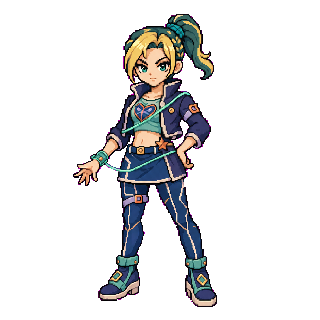 PART 06Jolyne CujohCharacter ↗
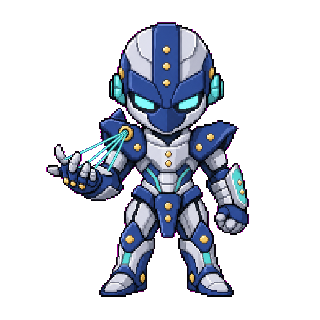 PART 06Stone FreeStand ↗
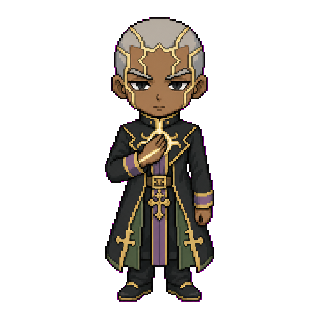 PART 06Enrico PucciCharacter ↗
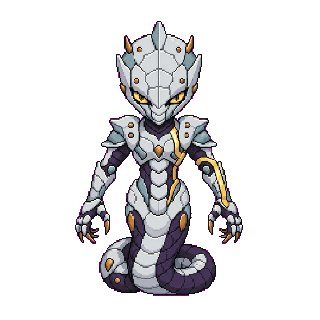 PART 06WhitesnakeStand ↗
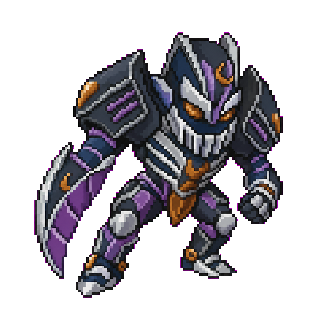 PART 06C-MOONStand ↗
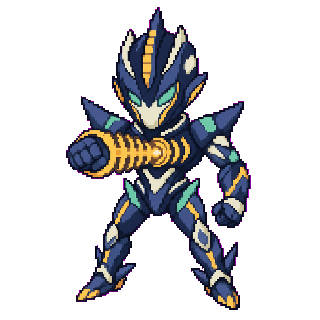 PART 06Made in HeavenStand ↗
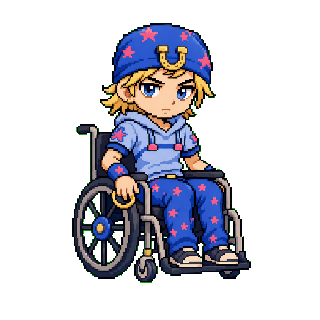 PART 07Johnny JoestarCharacter ↗
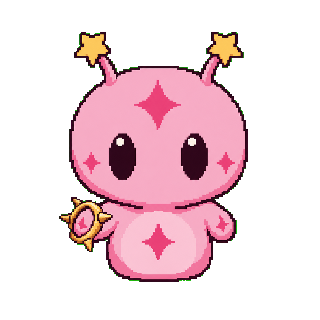 PART 07Tusk ACT1Stand ↗
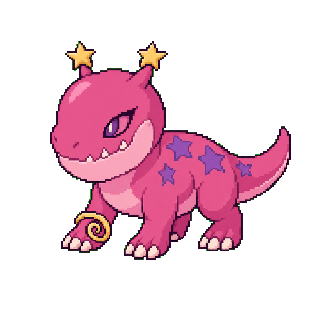 PART 07Tusk ACT2Stand ↗
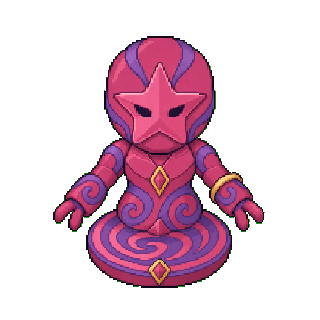 PART 07Tusk ACT3Stand ↗
 PART 07Tusk ACT4Stand ↗
 PART 07Funny ValentineCharacter ↗
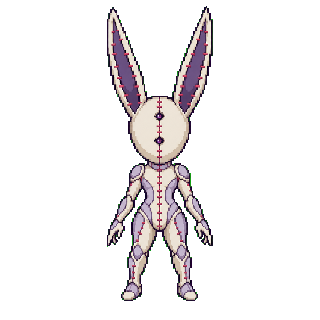 PART 07D4CStand ↗
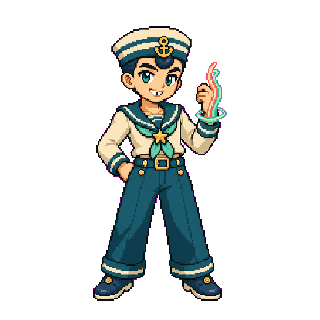 PART 08Josuke HigashikataCharacter ↗
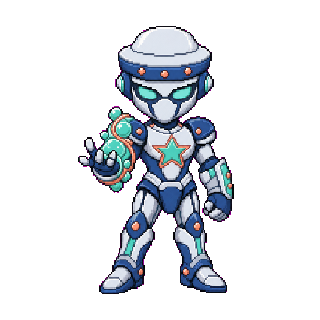 PART 08Soft & WetStand ↗
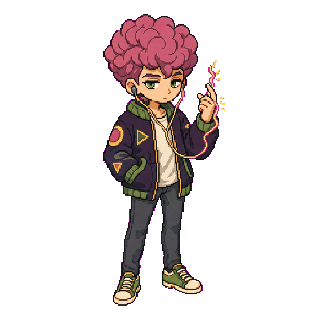 PART 08ToruCharacter ↗
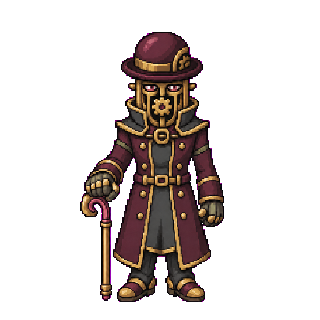 PART 08Wonder of UStand ↗
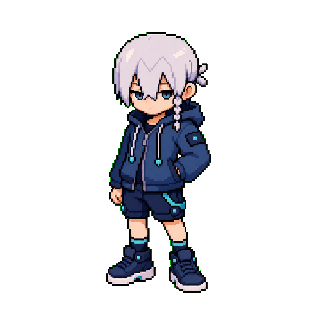 PART 09Jodio JoestarCharacter ↗
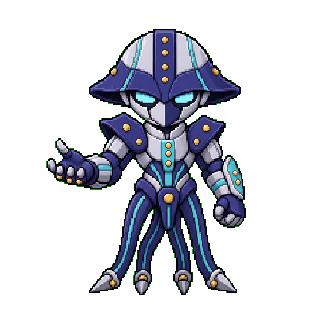 PART 09November RainStand ↗
Before you install
Use Open in Codex when your browser can hand the deep link to Codex. Bash is for macOS or Linux, PowerShell is for Windows, and npx works anywhere a current Node.js runtime is available.
They write the selected runtime package to $CODEX_HOME/pets/<pet-id>. Without CODEX_HOME, the default is ~/.codex/pets/<pet-id>.
After a command finishes, open Codex Settings → Pets, choose Refresh, then select the installed pet.
Bash, PowerShell, and npx download the checksum list, pet.json, and spritesheet, then verify SHA-256 plus the manifest ID and V2 contract before replacing runtime files.
A command installer refreshes the files under the same stable pet ID after validation. It does not create a duplicate or add another pet.